


I’ve been aware of Haiku for several years now. As someone who is into the history of computing (especially Apple), BeOS has always been on my radar. A few weeks ago I had a free weekend and decided to finally give it a try and see how usable it actually is as a primary operating system.
What is Haiku?

Haiku is a modern continuation of BeOS, the operating system that almost was.
BeOS was built from the ground up for multimedia and featured fast boot times, clean APIs, and support for multi-processor setups. It never made it to mainstream adoption, but not because it was bad. In the mid-90s, Apple was shopping for a next-generation OS and had two real candidates: NeXT and BeOS. When negotiations with Be, Inc. reportedly fell apart over price, Apple went with NeXT, and that decision brought Steve Jobs back to the company. A different outcome and the Mac might be running something that feels a lot more like Haiku today.
BeOS never found a strong footing in the market and was eventually sold to Palm. Haiku has been in active development since 2001. It is a community-driven, open source re-implementation of BeOS built from scratch by a team of volunteers. After 25 years, it’s still in beta.
Installing Haiku
I dug an old laptop out of my basement to install Haiku on. It’s a mid to low-end Acer with an i3-8130U, 6GB RAM, and a 1TB SSD I swapped in before the install.
The install was surprisingly fast. The hardware and driver compatibility was another story. WiFi didn’t work, so I picked up a compatible USB WiFi dongle. Screen brightness controls also don’t work.
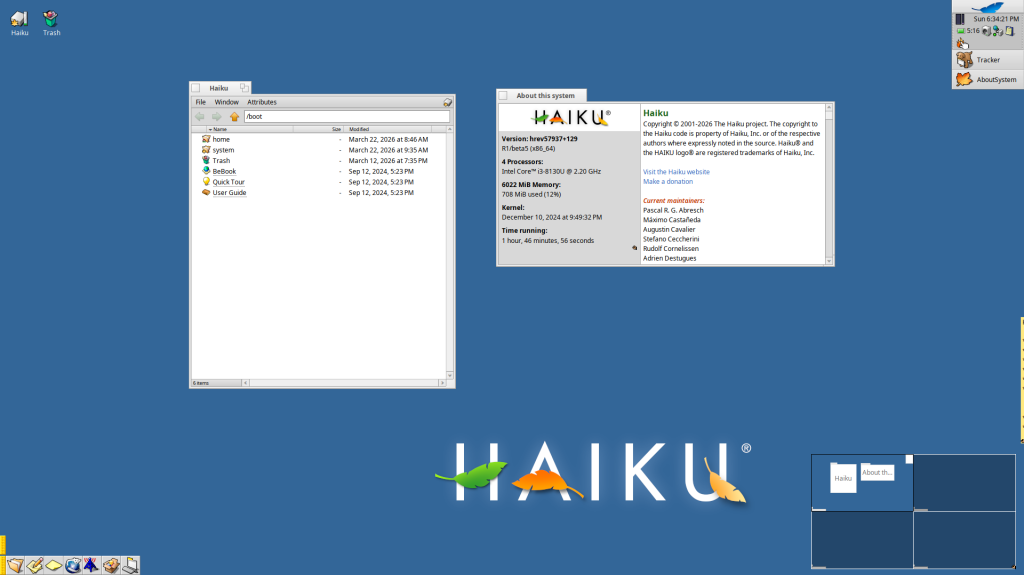
Once past that, it’s more usable than you might expect. There’s a WebKit-based browser built in called WebPositive, and IceWeasel (a Firefox port) is available in Haiku Depot (Haiku’s package manager). LibreOffice is also there for any productivity needs. Basic computing tasks are mostly covered. There is even a reasonable selection of games available for Haiku – including several emulators.
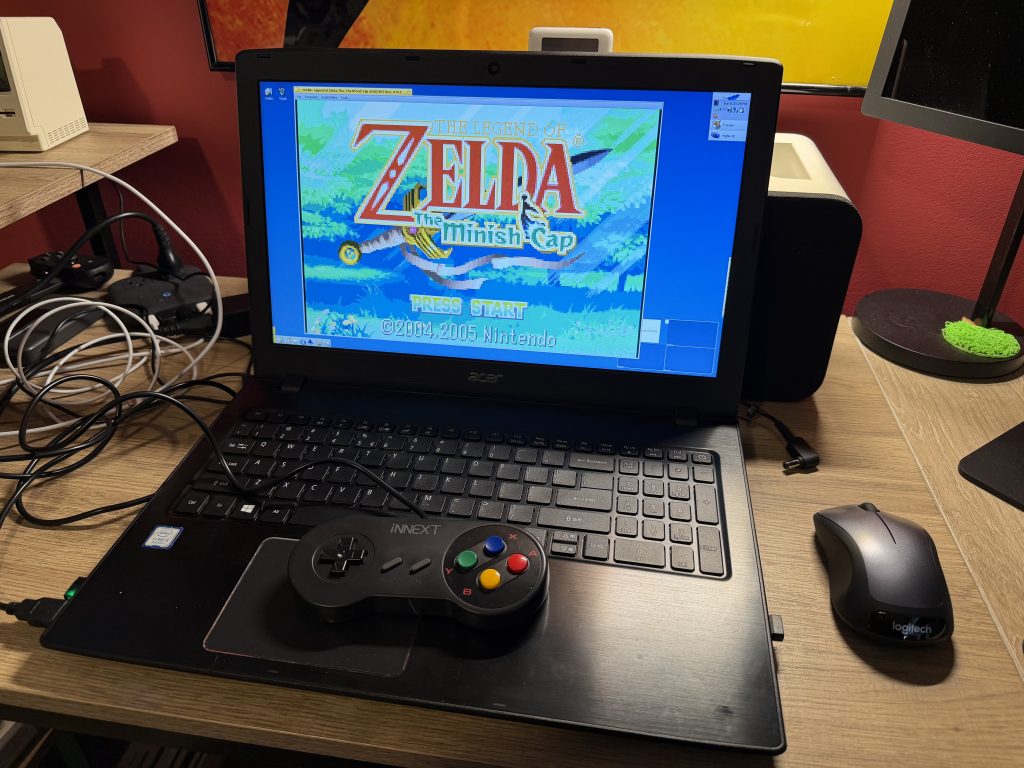
Not everything is perfect, though. It crashes occasionally and some parts feel genuinely dated. The default behavior of opening a new Tracker (Haiku’s file manager) window every time you click a folder instead of navigating in place is the kind of decision that probably made sense as something to experiment with in 1995 and just never got revisited.
But then there are things Haiku does that no other OS does. Haiku’s window management is truly unique, with OS-level tabbing of windows. This allows for all windows to be stacked and tiled, regardless of which application they belong to. This type of out-of-the-box thinking makes Haiku feel fresh, coherent, and genuinely interesting.
Writing Apps for Haiku with Claude Code
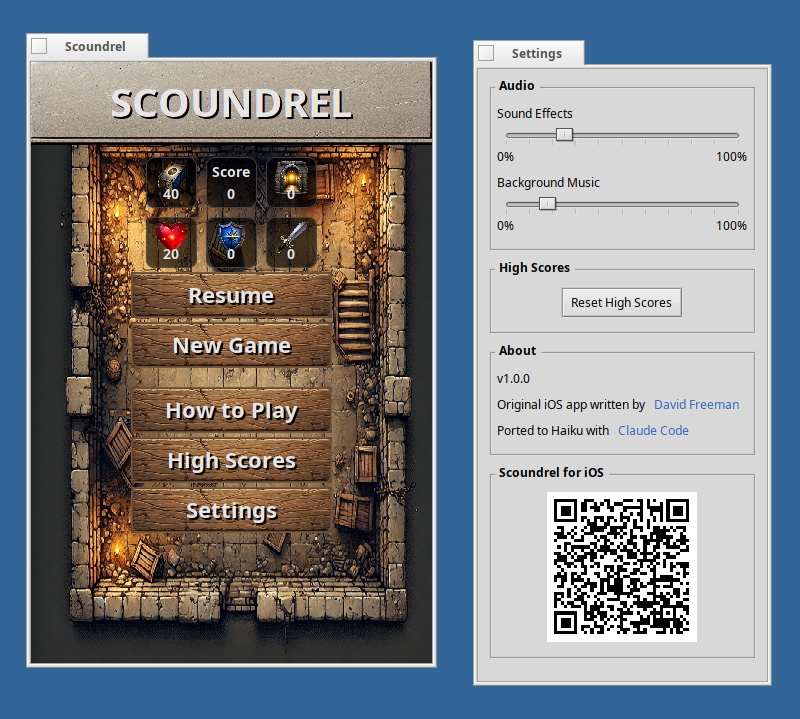
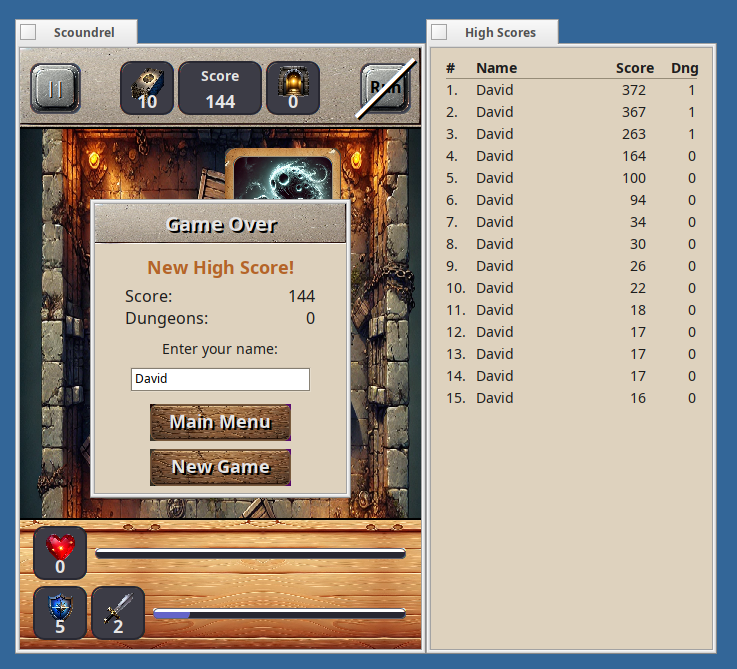
At the same time I was exploring Haiku, I was also wanting to test out Claude Code. I’d heard good things about it and wanted to test it myself. So in order to see how much it could do, I pointed it at the source code for Scoundrel Solitaire and asked it to port the app to Haiku. No other guidance. It looked up the relevant technologies and APIs and created the native Haiku app using C++. It wasn’t perfect on its first pass, but I was surprised how close it got! Honestly, I wasn’t expecting it to even run. It took several more days of testing and fine-tuning to get it to a state I was happy with.
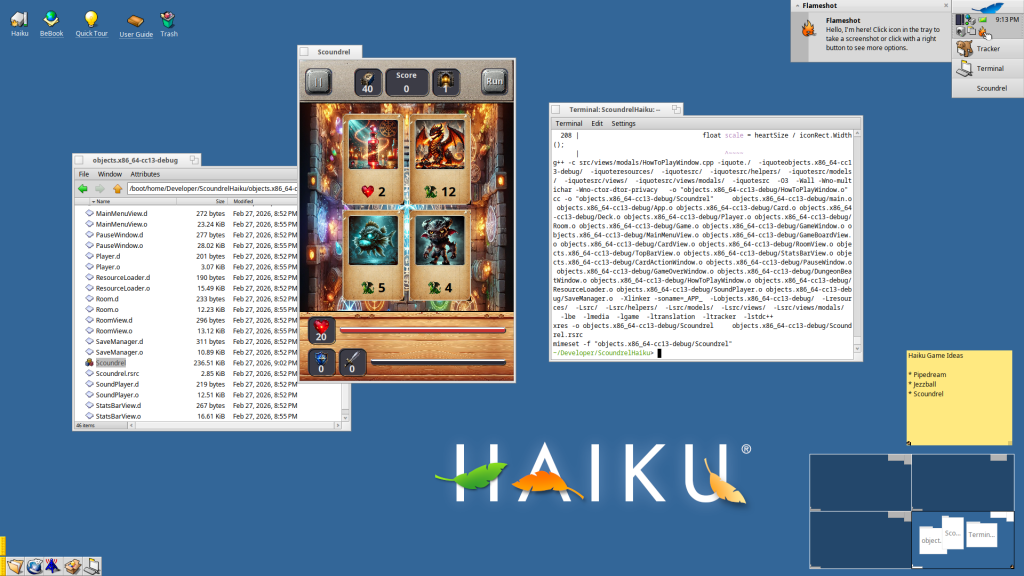
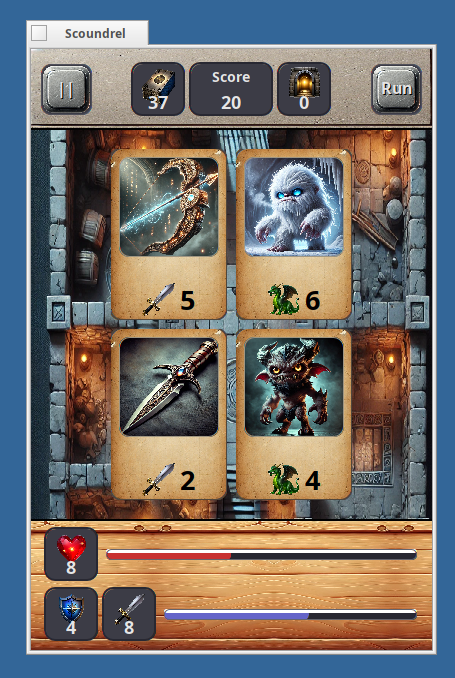
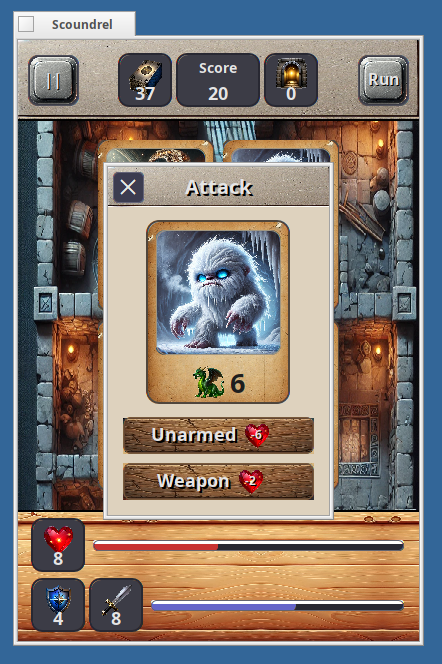
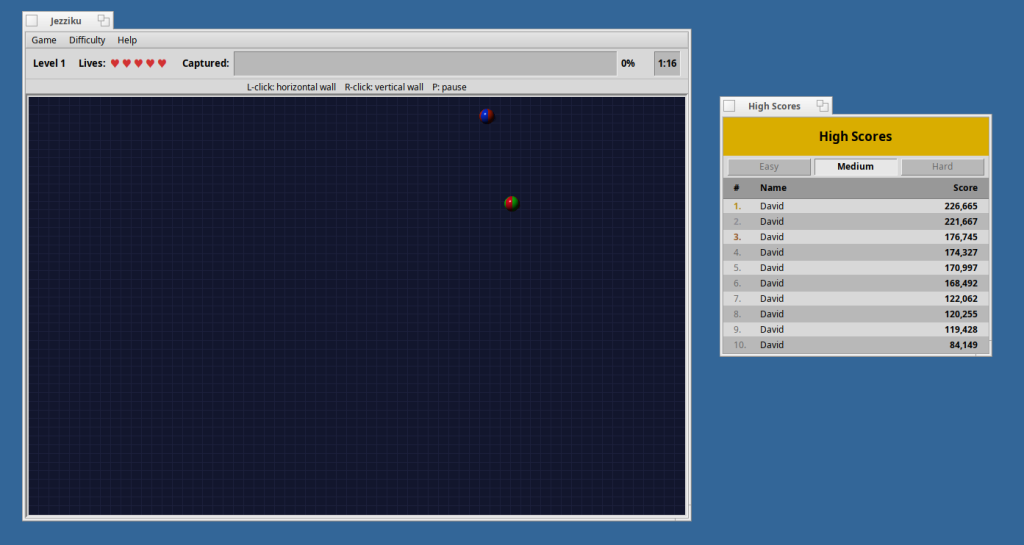
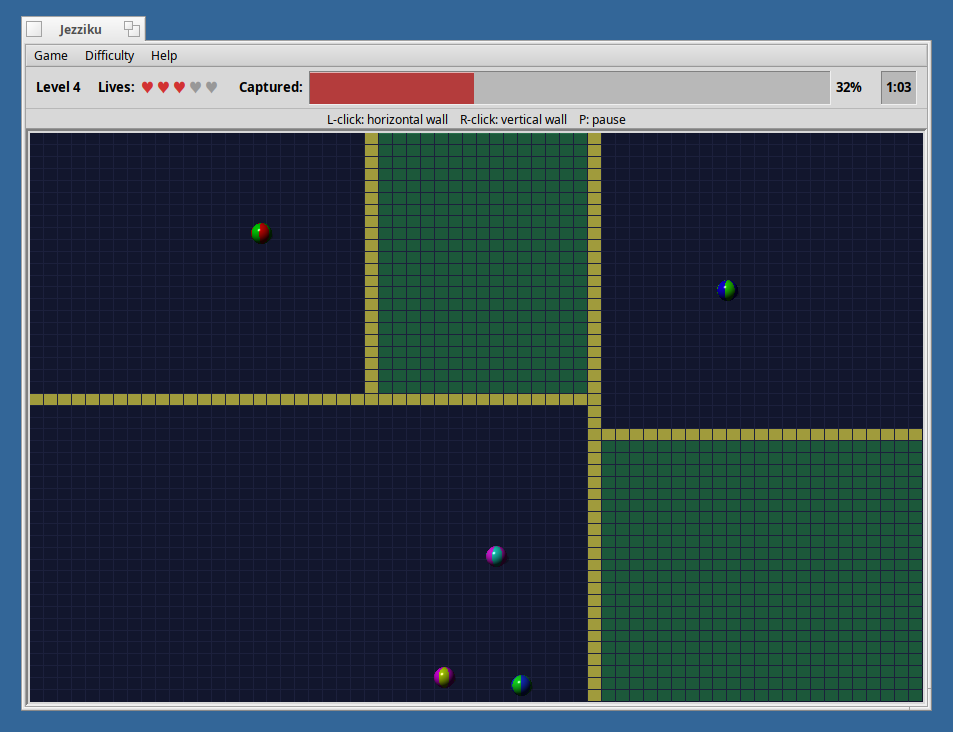
That went so well that I decided to see what Claude Code could do writing an app from scratch. So I started work on making a clone of one of my favorite games when I was a kid – JezzBall. It felt like it would fit in very well on this vintage-feeling OS. I combined JezzBall with Haiku to make the name: Jezziku. Without a starting point and code to reference, it took a bit more guidance to get Claude Code to make what I wanted, but I was again impressed with what it was able to accomplish without me writing a single line of code.
As a first test of the tool, I came away impressed with what it could do. The experience wasn’t seamless, though. I kept hitting usage limits on the $20/month pro plan. Daily limits meant waiting several hours to continue and hitting weekly limits meant waiting for several days.
Making Icons
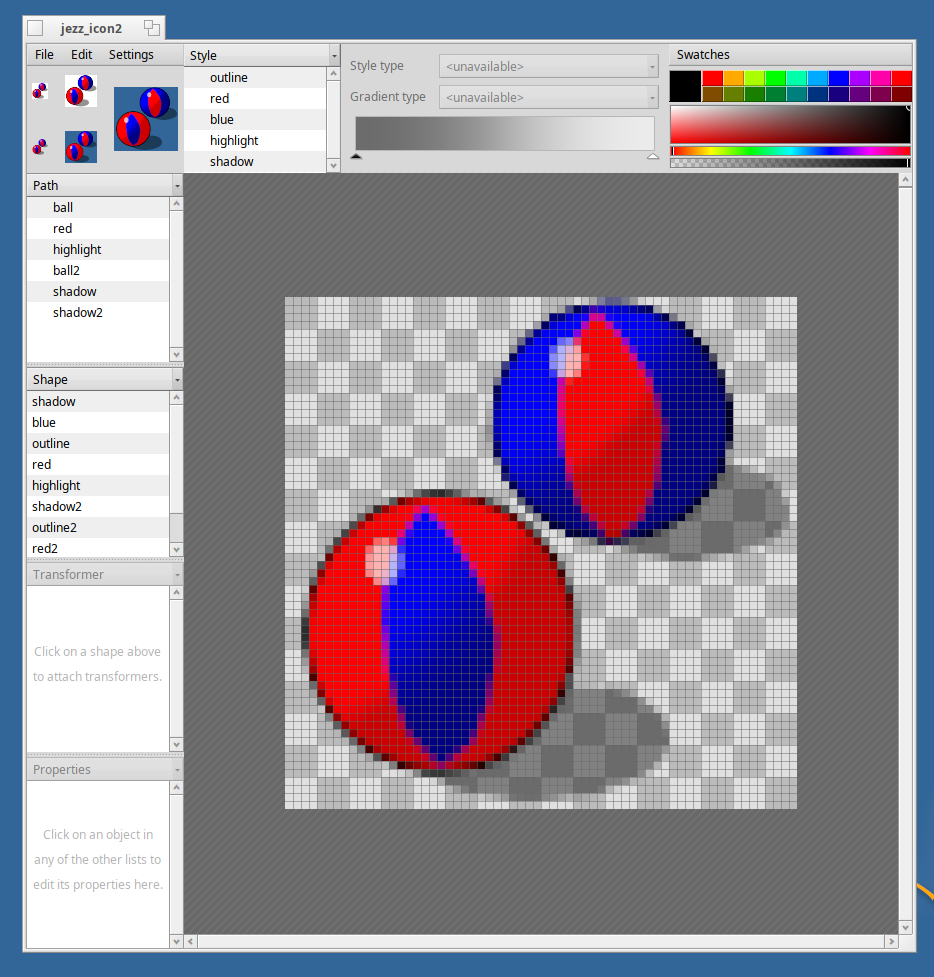
Haiku uses its own vector icon format called HVIF, and it ships with a vector editor called Icon-O-Matic for creating them. Icons in Haiku also follow a standard-ish design of being fairly flat and having shadows cast to the right.
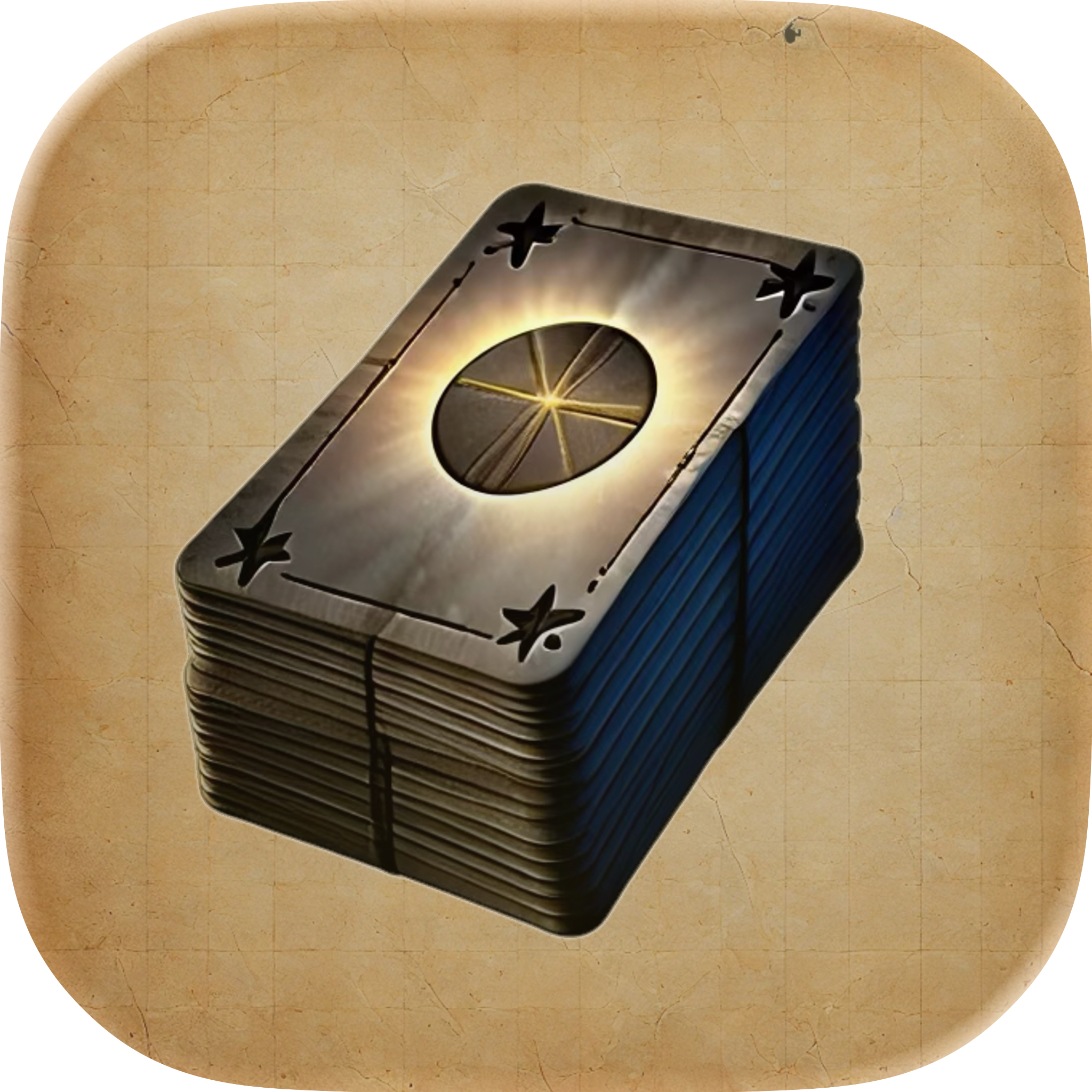
I’m not a particularly artistic person, so I wasn’t expecting much from this part of the process, but I ended up being pretty happy the results. The Jezziku icon I built entirely from scratch. The Scoundrel Solitaire icon is a recreation of the iOS app icon, simplified to work with Haiku’s style.
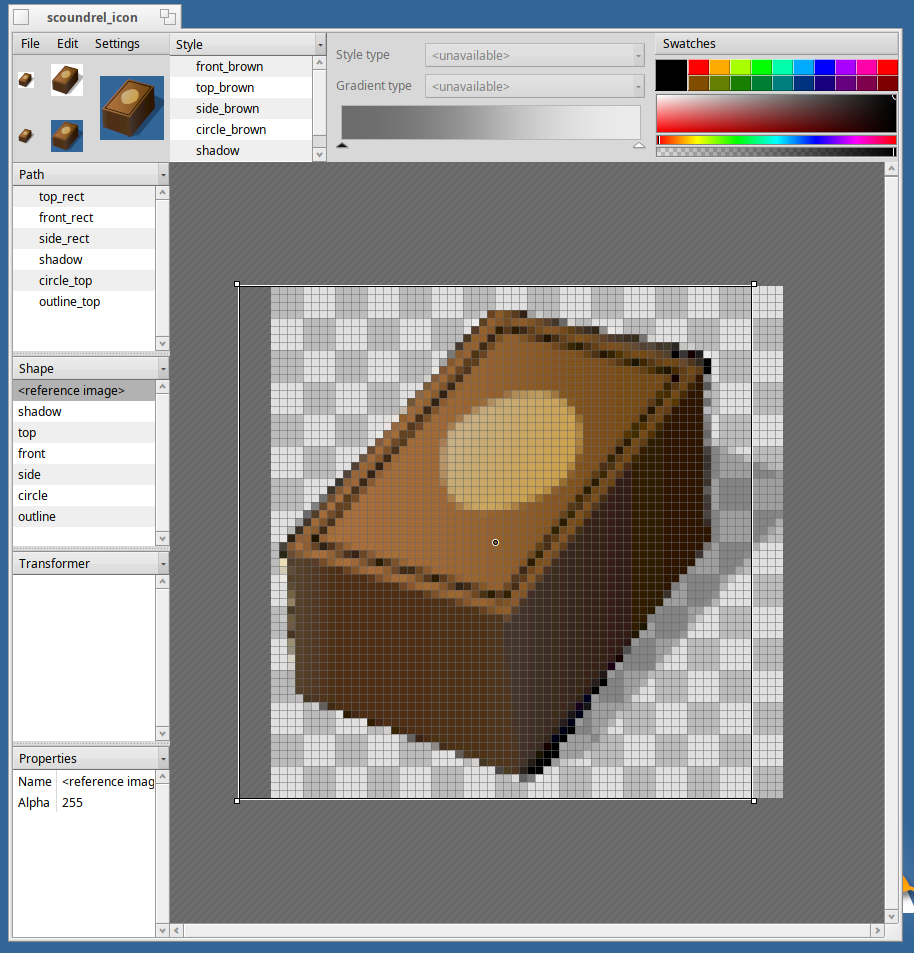
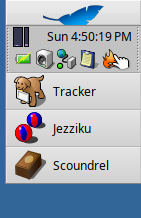
In my opinion, the Jezziku and Scoundrel Solitaire icons look at home in Haiku.
Publishing Apps
Getting apps into Haiku Depot requires going through HaikuPorts, the community-maintained repository that handles building and packaging software for the OS. You write a recipe file, submit a pull request, and the community helps get it over the line. The process is pretty involved, but people were helpful when I was getting my bearings.
Both apps are now in Haiku Depot and Scoundrel Solitaire is currently featured, which I didn’t expect.
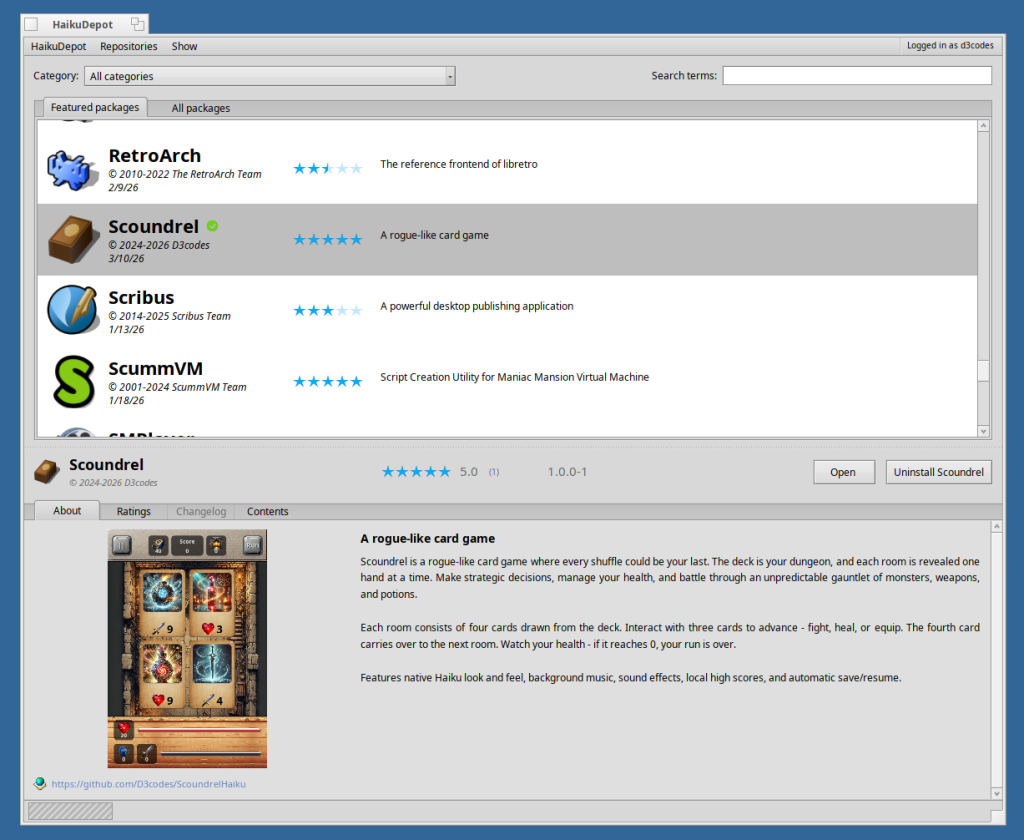
The code for Scoundrel Solitaire and Jezziku is available on my GitHub.
Using AI
This is still philosophically murky for me. Scoundrel Solitaire started as 100% my own Swift code and Claude’s only contribution was translating. That still feels mostly like my application. On the other hand, Jezziku was written entirely from scratch by Claude Code based on my prompts. I’m not sure how much of that app is “mine”. I had the idea and directed it, but I didn’t write a line of the code.
I was upfront about using Claude Code. I mentioned it in my post on the Haiku community forums when I shared screenshots of Scoundrel Solitaire, and put a note in the app’s settings crediting the original iOS app as mine and the Haiku port to Claude.
No animosity came back to me personally, but AI is a contentious topic in the Haiku community. Other posts evangelizing AI tools have gotten real pushback. I don’t find that very surprising. Haiku is a hand-crafted OS, built by volunteers over decades, and the culture reflects that.
Final Thoughts
Haiku isn’t going to replace anything in my daily setup, but I was surprised to find out that it could. For personal productivity, web browsing, and light gaming Haiku could more than cover my needs.
If you’ve got a spare computer (or are willing to set up a virtual machine) and an interest in what computing could have looked like if things had gone differently, Haiku is worth spending some time with.
Similarly, Claude Code isn’t going to become my new default way to write software, but I was equally surprised to find just how capable it actually is. I was not expecting to come out of this experiment having shipped two apps on an OS I’d never touched before.