
A Musician’s Best Friend


Off The Spots brings your practice tracks, rehearsal recordings, learning media, and sheet music together so you can find the right recording and get straight to rehearsal. Whether you’re learning a new part or getting ready for a performance, you can practice at your own pace and keep your repertoire organized along the way.
Organize Your Repertoire
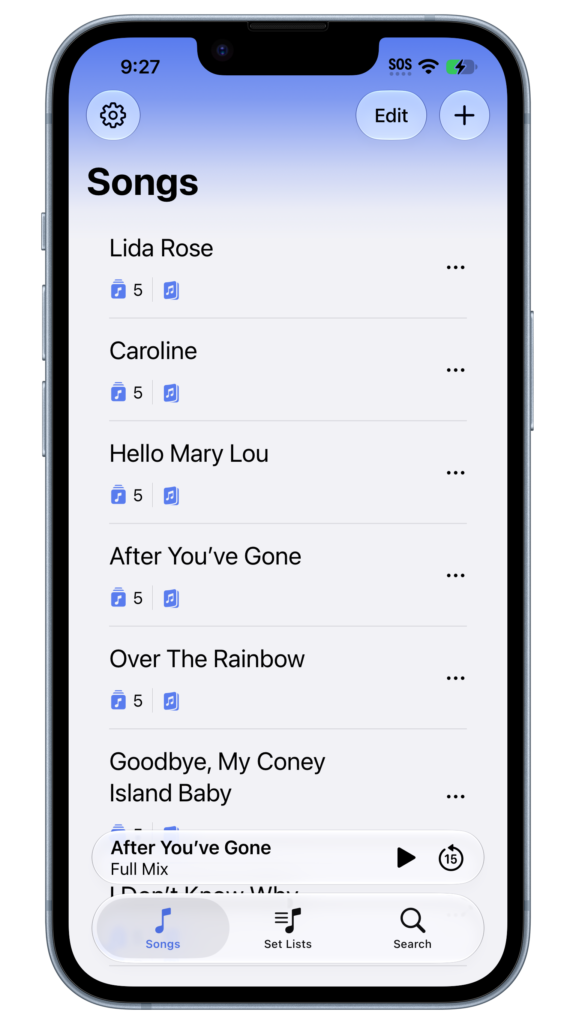
Group reference recordings, backing tracks, and part recordings together under the same song. Build set lists for rehearsals and performances, then play through your songs in the order you’ll perform them.
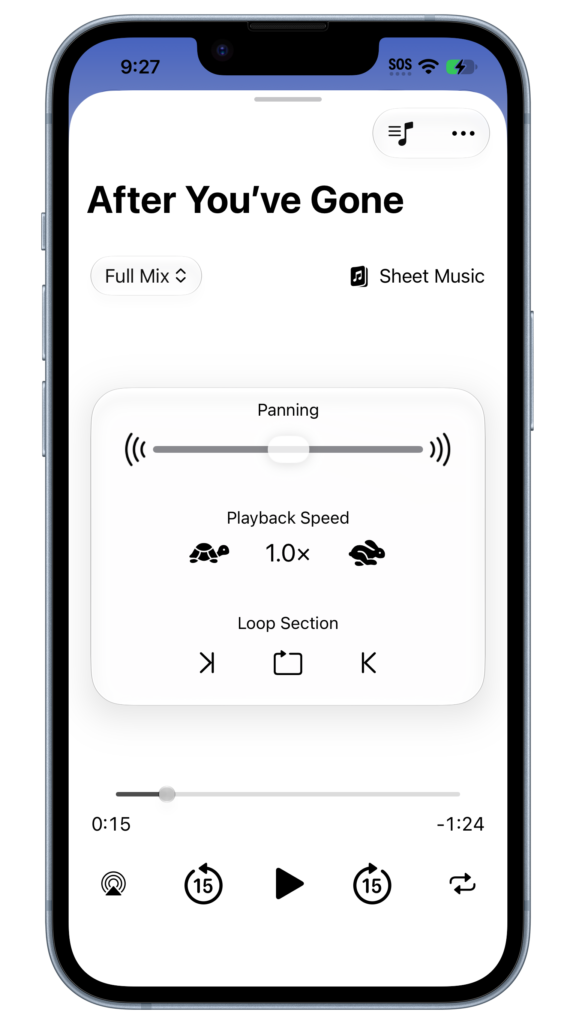
Work Through the Tricky Parts
Slow down a fast passage, loop a tricky entrance until it feels natural, or pan playback left or right to focus on one side of a stereo recording. Follow along with your PDF sheet music while the track plays.
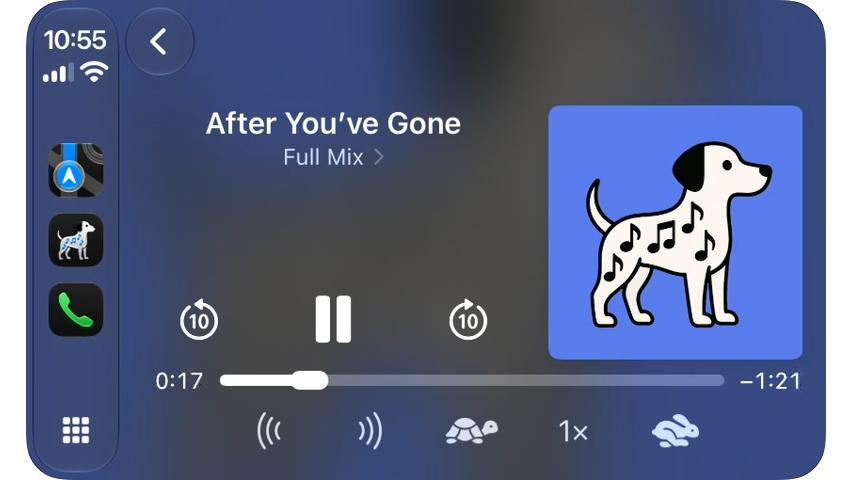
Rehearse on the Go
Run through your repertoire on the way to rehearsal. Browse songs and set lists, switch tracks, adjust speed and pan, or repeat a song or set list from your car’s display.
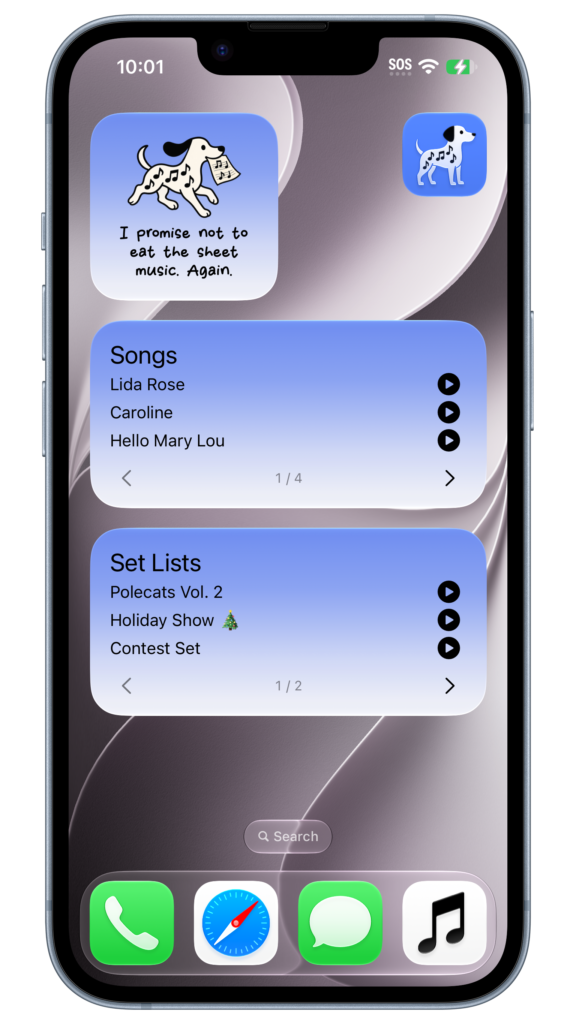
Start Practicing from Your Home Screen
Tap play on the Songs or Set Lists widget to get right to rehearsal. Or add the Spot widget for a little encouragement from your rehearsal companion!